MSDN has an article which describes T4 syntax with details.
I will quickly describe it
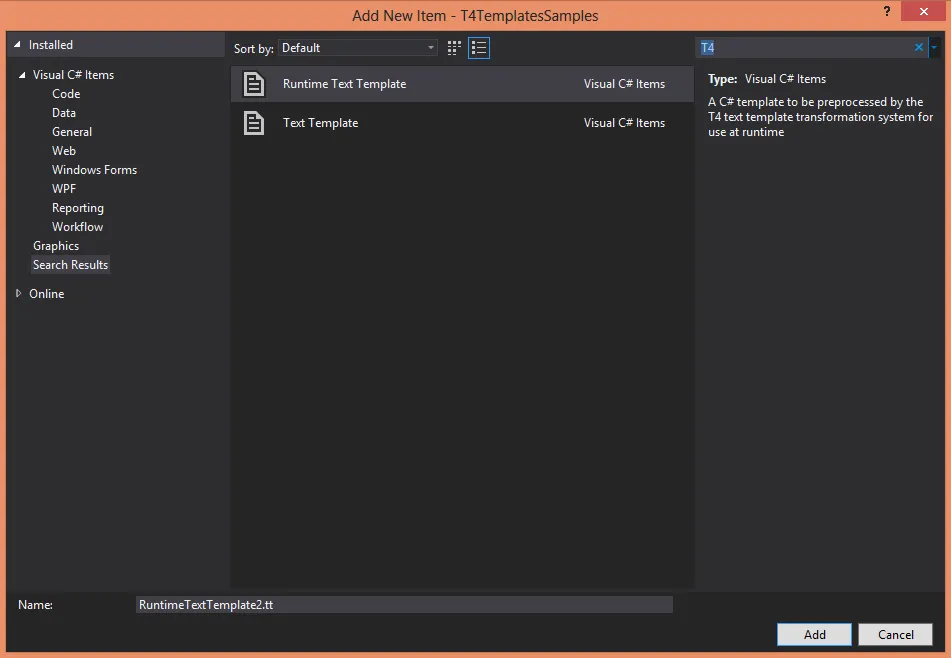
Visual Studio 2012 supports two types of project items:
- Text Template aka Design-time Text Template
- Runtime Text Template aka Preprocessed Text Template
T4 template can contain directives, text blocks, standard control blocks, expression control blocks and class feature control blocks
All-in-one template
<#@ template debug="true" hostspecific="false" language="C#" \#>
<#@ assembly name="System.Core" \#>
<#@ import namespace="System.Linq" \#>
<#@ output extension="txt" \#>
=== Text block
Line 1
Line 2
Line 3

=== Standard control block \<# ... \#>
==== Using Write method
<#
    for(int i = 0; i < 4; i++)
    {
        Write(i + ", ");
    }
    Write("4");
#> Hello!

==== Interleave text and code
<#
    for(int i = 0; i < 4; i++)
    {
#>
Hello!
<#
    }
#>

=== Expression control block \<#= ... \#>
<#
    for(int i = 0; i < 4; i++)
    {
#>
This is hello number <#= i + 1 \#>: Hello!
<#
    }
#>

=== Class feature control block \<#+ ... \#>
==== Using simple method
<#
    for(int i = 0; i < 4; i++)
    {
#>
    The square of <#= i \#> is <#= Square(i + 1) \#>.
<#
    }
#>
That is the end of the list.

==== Using method with text blocks
List of Squares:
<#
   for (int i = 0; i < 4; i++)
   {
      WriteSquareLine(i);
   }
#>
End of list.

<#+
    // Start of class feature block

    // Simple method
    int Square(int i)
    {
        return i * i;
    }

    // Method with text block
    void WriteSquareLine(int i)
    {
#>
The square of <#= i \#> is <#= i * i \#>.
<#+
    }
#>