Hi folks
In PowerShell 7.3 I found a new advanced autocomplete feature.
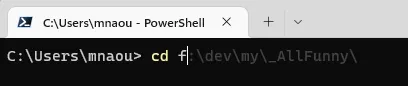
It seems it suggests something from the history of my commands.
However if I want to use this suggestion and press Tab , it just autocompletes using the last letters I typed
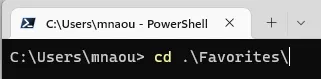
And I tried to find how to get this first autocompletion working.
I had to investigate for a while.
Initially I thought it is a feature of Windows Terminal. But then I checked Windows Terminal with Command Prompt instead of PowerShell and this nice auto-completion feature was not available.
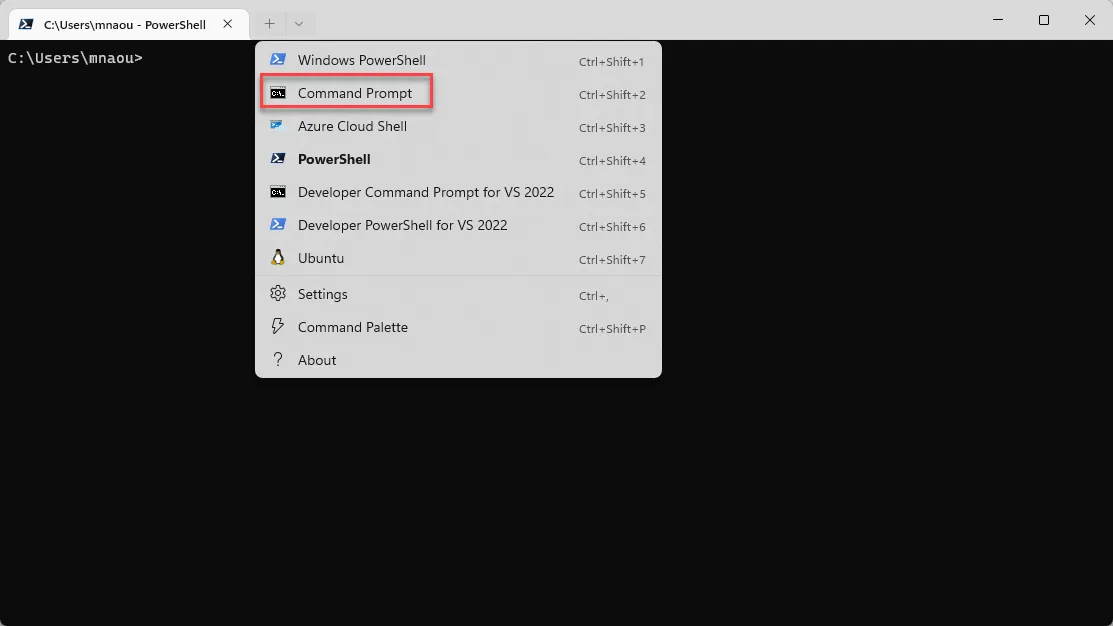
Then I ran PowerShell via Windows Console Host
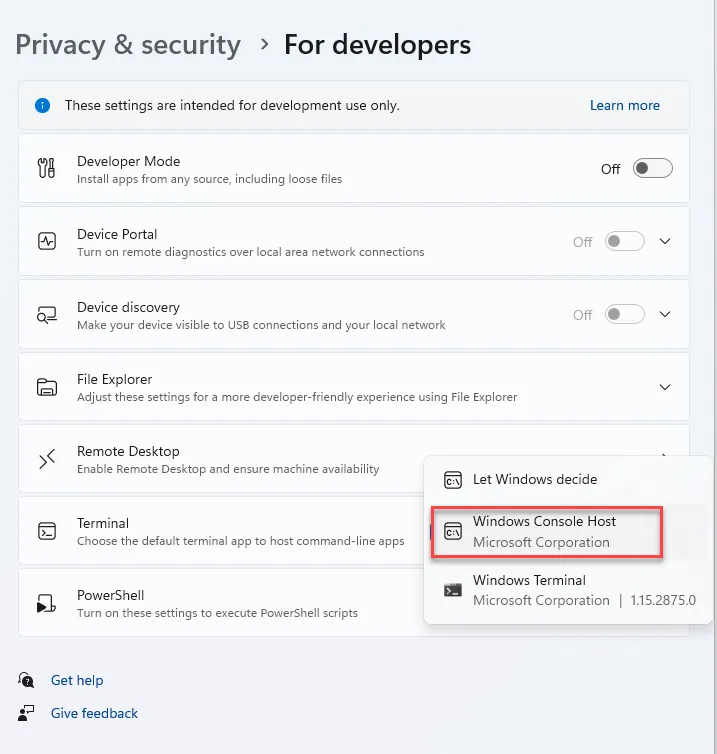
and this autocomplete was still available.
So I understood it is a feature of PowerShell and soon I realized it is a feature of PSReadLine module. Which was strange to me, because this module is shipped with PowerShell since version 5.1 and I never noticed this autocomplete feature before.
I started to investigate how to make this autocomplete working.
None of my assumptions such as Ctrl + Spacebar, Ctrl + Shift + Spacebar, Ctrl + Alt + Shift + Spacebar , Ctrl + . worked for me.
I googled a lot things like Auto-complete PSReadLine but I was just finding mentions of Tab key that didn’t work the way I wanted.
Then I discovered keystroke Ctrl + Alt + ? , which how I found later just calls Get-PSReadLineKeyHandler.

As I said before Tab and Shift + Tab don’t work as expected. Ctrl + @ and Ctrl + Spacebar don’t even work in Windows Terminal because they are intercepted by Windows Terminal so I started to investigate how to make them work. There were some suggestions about changing the keystrokes etc.
Before doing it I ran again PowerShell via Windows Console Host I found that those Ctrl + @ and Ctrl + Spacebar work but not the way I wanted anyway. So changing the keystroke would be just a waste of time.
I didn’t know where to look further and started to dig further in the Get-PSReadLineKeyHandler results until I found

I pressed F2 and found that autocomplete feature behavior changed
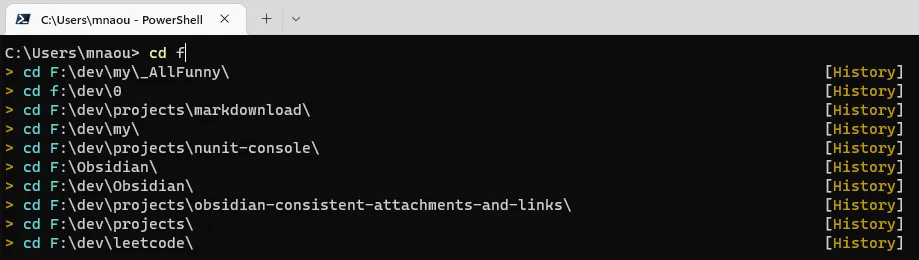
Then it became obvious that the “autocomplete” feature I was desperately looking for was actually named Prediction. Then I found that this feature actually called Predictive IntelliSense. This feature was disabled by default until PSReadLine 2.2.6, which is shipped with PowerShell 7.3, that’s why I never noticed that feature before.
Ok, knowing the feature name simplifies the further search.
I found that actually the answer is Right Arrow.
I can’t believe I tried so many things and spent so many hours digging into something that obvious.
While writing this post knowing all the answers I found a question on StackOverflow with the same problem and the same outcome.
For whatever reason this feature is very hidden, poorly explained in Microsoft documentation. So I feel a need for this post to help others.
Stay tuned!