Hi folks.
For years I thought that working with dynamically loaded JavaScript is difficult because it is not possible to search for it.
I had to insert debugger statements in my dynamic code in order to find it in the Chrome Developer Tools Source pane.
But then I suddenly found the setting in the Developer Tools > Settings > Preferences > Search in anonymous and content scripts
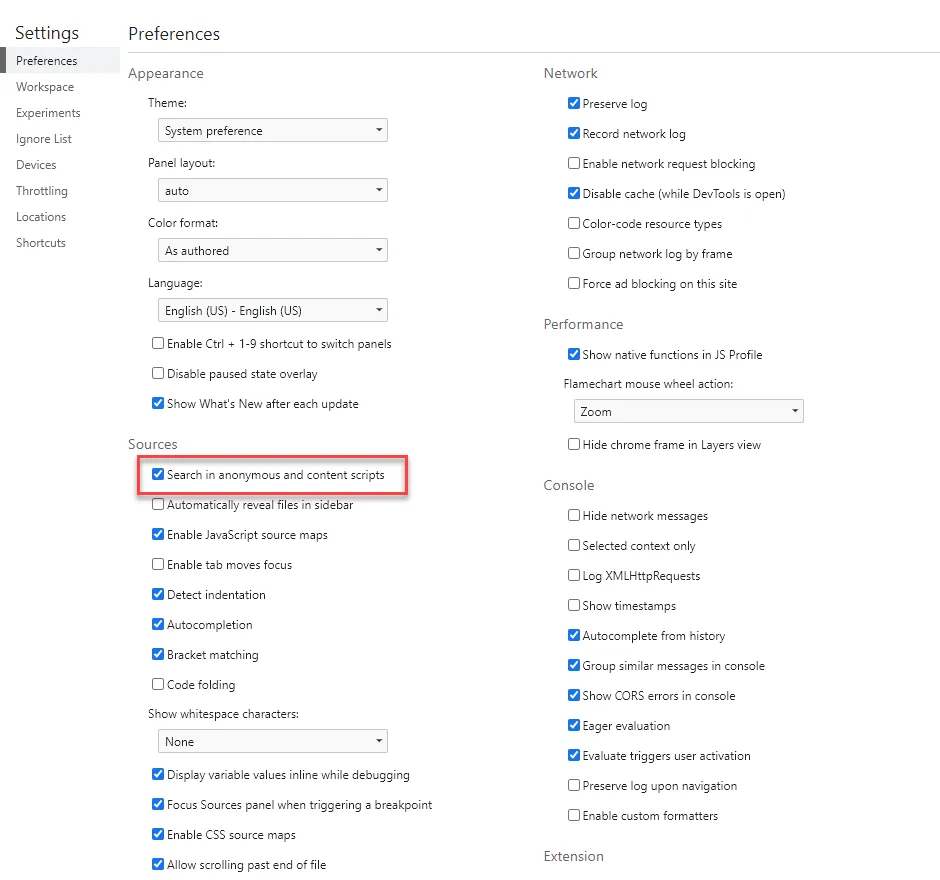
This setting is something I needed for years!
Hope it helps.