Previously I heavily used Notepad++ for about 4 years.
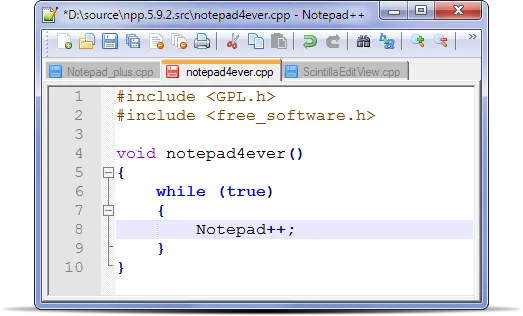
But later I found Sublime Text and I fell in love with it. This extremely nice, lightweight and powerful editor 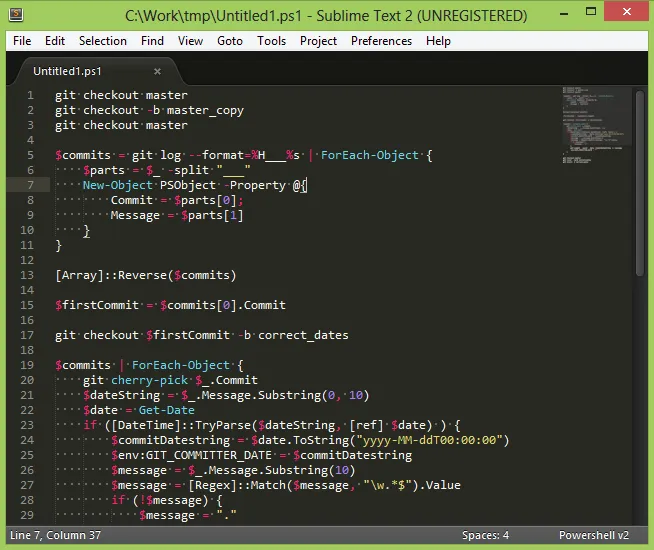
It is a very developers-oriented editor. Press Ctrl+Shift+P and you can reach to any available Sublime command 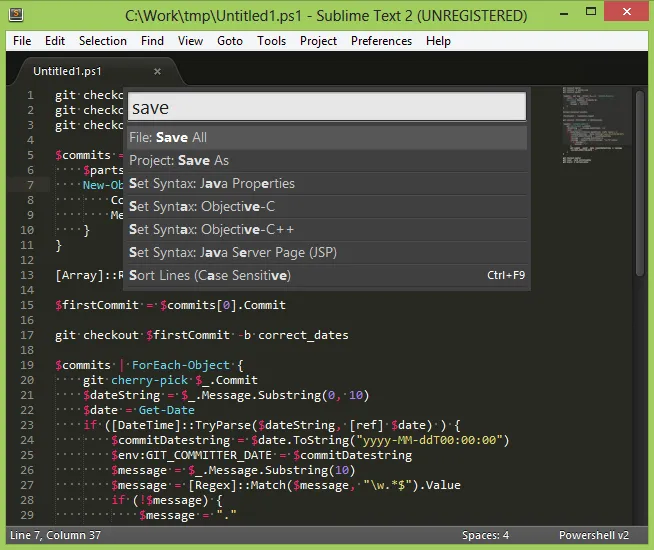
I recommend to install Sublime Package Control package (plugin) which allows to install new packages very easily.
PowerShell syntax highlighter is not built-in so I install PowerShell package.
Having Sublime Package Control it is extremely simple. Ctrl+Shift+P -> Install package -> PowerShell -> enjoy :)